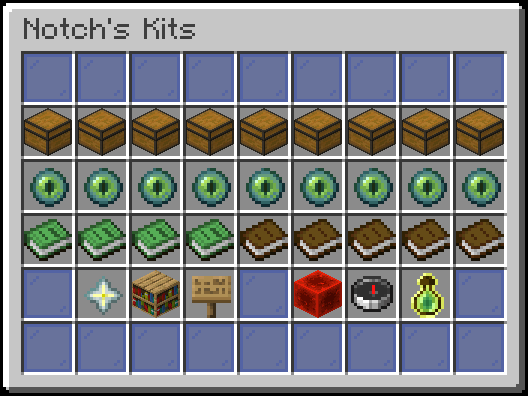
PerPlayerKit transforms PvP on your Minecraft server by giving every player full control over their own loadout. Instead of everyone sharing the same static kits, players pick items from a Virtual Kit Room you configure, arrange their gear exactly how they want it, and save up to nine personal kits — all through a clean, intuitive GUI. Admins get powerful moderation tools, multi-backend storage support, and automation features like rekit-on-respawn right out of the box.

Introduction

Learn what PerPlayerKit does, explore its features, and understand the requirements before you install.

Installation

Download the plugin, configure your storage backend, and get the server running in a few straightforward steps.

Quickstart

Install the plugin, set up a Kit Room, assign permissions, and have players creating kits in under 10 minutes.

Commands

Browse every player, staff, and admin command along with its aliases and required permissions.

Configuration

Dive into the full configuration reference covering storage, features, anti-exploit settings, and more.

Developer API

Integrate PerPlayerKit into your own plugins using the external Java API.

Get Started in Three Steps

Whether you’re setting up a brand-new server or adding PerPlayerKit to an existing one, you can go from zero to fully operational in minutes.
1

Install the Plugin

Drop the PerPlayerKit .jar into your plugins/ folder, start the server once to generate config files, then stop it again before editing anything.
2

Set Up Your Kit Room

Start the server, join as an admin, and run /kit. Click the Nether Star to open the Kit Room editor, fill it with the items you want players to choose from, then shift-right-click the barrier to save.
3

Grant Permissions

Add perplayerkit.use to your players group, perplayerkit.staff to moderators, and perplayerkit.admin to administrators using your permissions plugin (e.g., LuckPerms).