

Fill it with one command
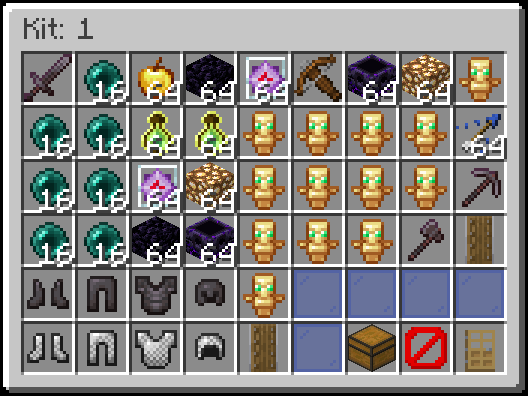
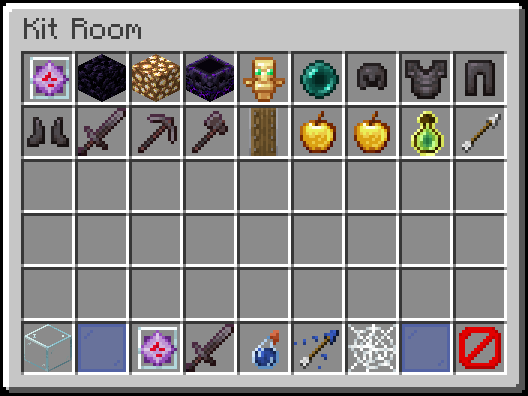
The kit room editor. The barrier block in the corner saves the page.
Stock it yourself
1
Join as an admin
The account needs
perplayerkit.admin or status.2
Open the editor
Run
/kit, then click the nether star.3
Fill the page with items
Add the items players may use.
4
Save the page
Shift-right-click the barrier block in the corner.
5
Repeat for the other pages
Fill and save each remaining page.
/kitroom does not open the editor. It only takes save and load.
Add more pages
Setkitroom.pages, then restart. Up to seven page buttons fit directly in the bottom row.
With eight or more pages, arrows switch between groups of five page buttons.
config.yml
items match the page numbers.
Save each page before navigating away. Reducing pages hides extra pages without deleting their saved contents. Hidden pages do not contribute to the kit room item filter.
Autosetup fills only bundled pages. autosetup reset confirm resets all enabled pages, leaving extra enabled pages empty. Hidden pages remain saved.
Ideas for each page
Name the pages
config.yml
material is an uppercase Bukkit material name. Restart the server after editing this. name accepts tags, such as "<gold><b>Crystal</b></gold>".
Lock kits to the kit room
By default a kit can hold any legal item. To restrict kits to kit room items:config.yml
Turn kits off in some worlds
config.yml
locations.kit-room. See Worlds and regions.
Copy a kit room to another server
Next step
Give out permissions
Players cannot use
/kit until you grant them permission.