

What a player does
Loading a kit replaces the player’s whole inventory. An enderchest kit fills their enderchest instead.
Saving a kit
1
Collect items
Run
/kit, click the nether star, and take items from the kit room into your inventory.2
Open a kit editor
Return to
/kit. Right-click a kit chest, or click its book, to edit that slot.3
Import and arrange
Click the import chest to copy your current inventory into the editor. Arrange the items, armor, and off-hand.
4
Save and load
Close the editor to save. Run
/k1 to load slot 1.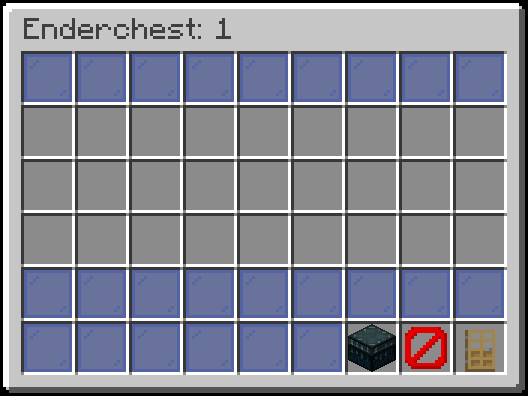
Enderchest kits load into the enderchest instead of the inventory
Clean up the player when a kit loads
All default tofalse.
config.yml
The same four names under
enderchests.load control enderchest kit loads.
Related
Rekit automatically
Give the kit back on respawn or after a kill.
Share a kit
Send a kit to a player or hand out a share code.
World and region rules
Uselocations.kits to choose where this feature works. Use locations.enderchests for enderchest kits. Automatic rekit has separate feature rules.
See Worlds and regions for configuration and troubleshooting.